
I Found a Better Camera App Than the Default
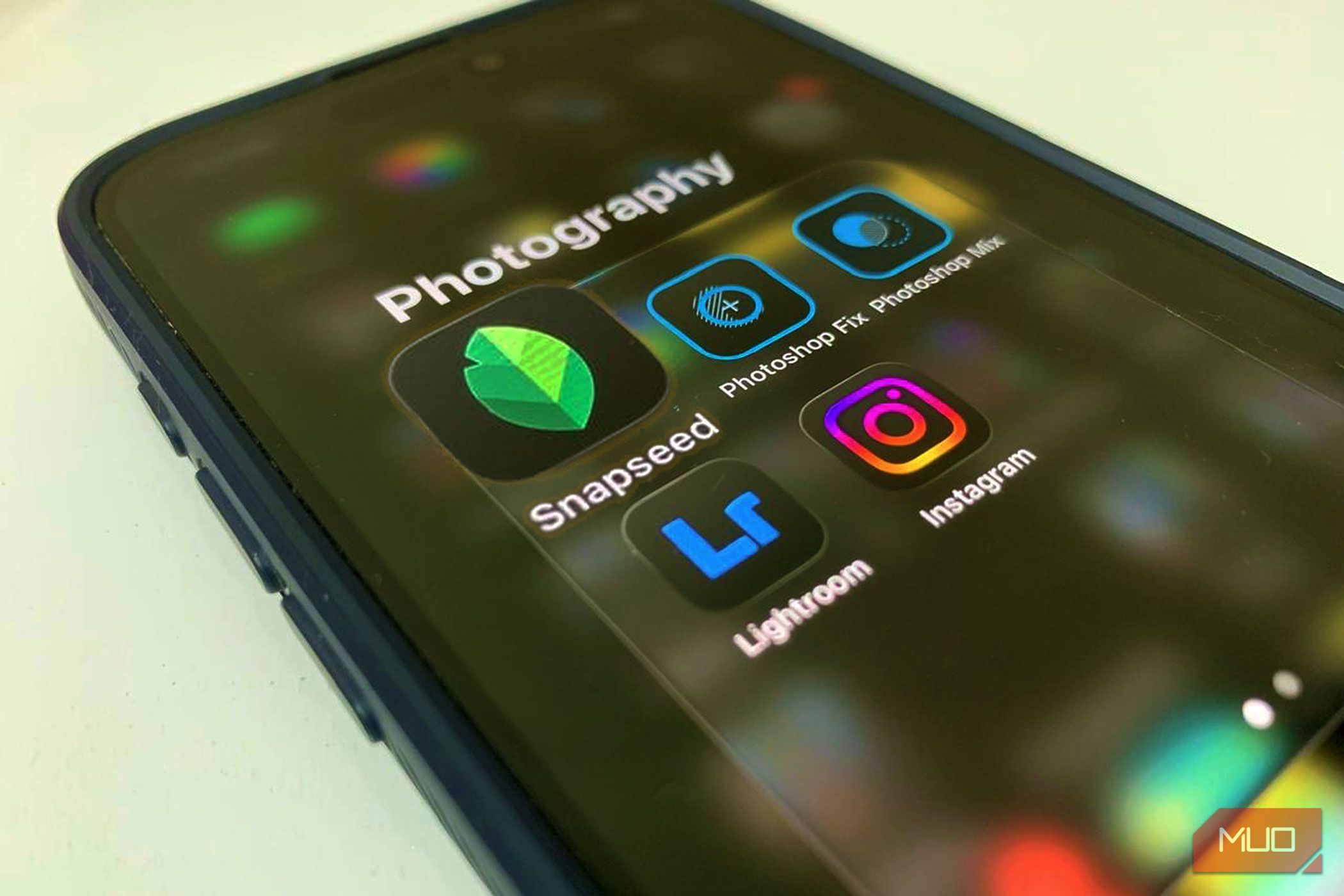
A New Perspective on iPhone Photography
I have always been an iPhone loyalist, especially when it comes to photography. Tinkering with the camera app, testing different settings, and trying to squeeze the best out of every shot has been my little obsession. I used to think there was no way I'd ever need or want a third-party camera app. The iPhone's default camera app has always felt like it could do it all until recently.
Turns out, "never say never" is a phrase worth remembering. I stumbled upon an app that pushes the limits even further, offering features and controls I didn't know I needed. And it's definitely a game-changer. I have a feeling you're going to be just as curious to see what it can do.
A Match Made in Photo Heaven
Every photo turns out how you imagined it. I recently started using Snapseed's in-camera app on my iPhone, and it's been a revelation. Suddenly, I'm just crafting all my photos. The app's Pro mode lets me shoot in Auto ISO, Auto Shutter Speed, and Auto Focus, while offering flexible zoom options: 0.5x, 0.9x, 1x, and 2x. On top of that, you can apply styles, films, and edits, so your photos look exactly how you imagined them. There are a lot of retro films to choose from:
- KP1 400: Inspired by Kodak Portra 400
- KP2 160: Inspired by Kodak Portra 160
- KG1 200: Inspired by Kodak Gold 200
- KE1 E200: Inspired by Kodak E200
- FS1 200: Inspired by Fuji Superia 200
- FS2 800: Inspired by Fuji Superia 800
- FP1 400h: Inspired by Fuji Pro 400h
- AG1 200: Inspired by Agfa Optima 200
- AS1 200: Inspired by Agfa Scala 200
- PD1 600: Inspired by Polaroid 600
- TC1: Inspired by Technicolor
Beyond the mechanics, Snapseed also lets me personalize the app's look with color themes like Editor, Dusk, Negative, Steel, Depth, and Haze, giving the camera a look that I prefer.
The workflow is seamless, too. With a dedicated shutter button and flash controls, I can snap a picture and immediately edit it without leaving the app. Every tool you'd expect: color adjustment, cropping, healing, retouching, and more is right at your fingertips. You can also adjust, correct, transform, or add creative flair on the go. Essentially, it turns your iPhone into a creative studio where every shot is ready for editing and sharing instantly once you click the picture.
Bringing the Charm of Old-School Instant Cameras to Your iPhone
I still remember the days when I used to shoot photos on a Fujifilm instant camera. There was something special about it. Every click felt really nice because that shot was captured thoughtfully. You must be thinking, why? Because of the film. Every time the cartridge ran out, I had to buy a new pack, and those films were far from cheap. Over time, the constant spending slowly drained some of the joy out of using it.
That's exactly why Snapseed's camera features surprised me. The moment I started using it, it reminded me of the same nostalgic photography experience. Many of its film effects recreate the look and feel of classic Polaroid-style photos. Whether you want timeless black and white images or warmer, vintage-toned shots, the app offers plenty of options to experiment with.
The black and white photos in particular look fantastic. They have that slightly rough, textured feel you'd associate with photos from the 90s. That rustic quality adds depth and emotion to an image, making even simple moments feel far more expressive. The app also gives you several looks, favorites, and tools to play with, which makes editing quite simple, too. As for myself, I barely needed to edit anything because the film effects already gave the photos the character I was looking for.
If you enjoy capturing photos that feel nostalgic, emotional, and full of depth, Snapseed makes it really easy to achieve that style. That's also why I chose it over the default camera app. Sure, the iPhone now offers different photographic styles too, but this experience feels really creative and flexible.
Every Snap Gets a Hint of Retro Magic
I've really grown fond of this app because it keeps everything in one place. That alone makes the whole process feel smoother and far less complicated. What makes it even better are the retro-style filters and film effects. Many of the photos already look great the moment you capture them, so editing often feels unnecessary. The image comes out with enough character and mood that you simply save it and post it as is.
In fact, I usually switch to Snapseed's camera whenever I'm taking photos for Instagram. The aesthetic it produces stands out, and it has become a bit of a conversation starter. More than once, friends have replied to my stories, asking how the photo was taken or which camera I used. That reaction alone tells you something about the look it creates.
There's clearly a growing interest in photos that feel artistic, nostalgic, and visually distinctive, especially on social media. Snapseed seems to lean right into that trend, and it works perfectly for someone like me who enjoys capturing aesthetic shots. That said, I'm not abandoning the iPhone's camera app entirely. It still has its place, and I'll definitely fall back on it when needed. But when I want photos that feel a little more styled and creative, Snapseed's camera is now my go-to choice. On the contrary, there are other alternatives that you should try.
Posting Komentar untuk "I Found a Better Camera App Than the Default"
Please Leave a wise comment, Thank you