
5 Essential Open-Source Tools I Use Daily
Open-Source Tools That Keep My Workflow Running Smoothly
As a content creator, I've spent years testing various apps, platforms, and tools to find the best ones for productivity. Over time, I've come to rely on open-source tools that help me work faster and more efficiently. These tools are not only fast and flexible but also free from subscriptions or fees. In this article, I'm sharing the open-source tools that have become essential in my daily workflow.
These tools may not be flashy or exciting, but they get the job done reliably. From image editing to file transfers and remote access, they're all about functionality and simplicity. Here are some of the key tools I use every day.
GIMP (Photo Editing)
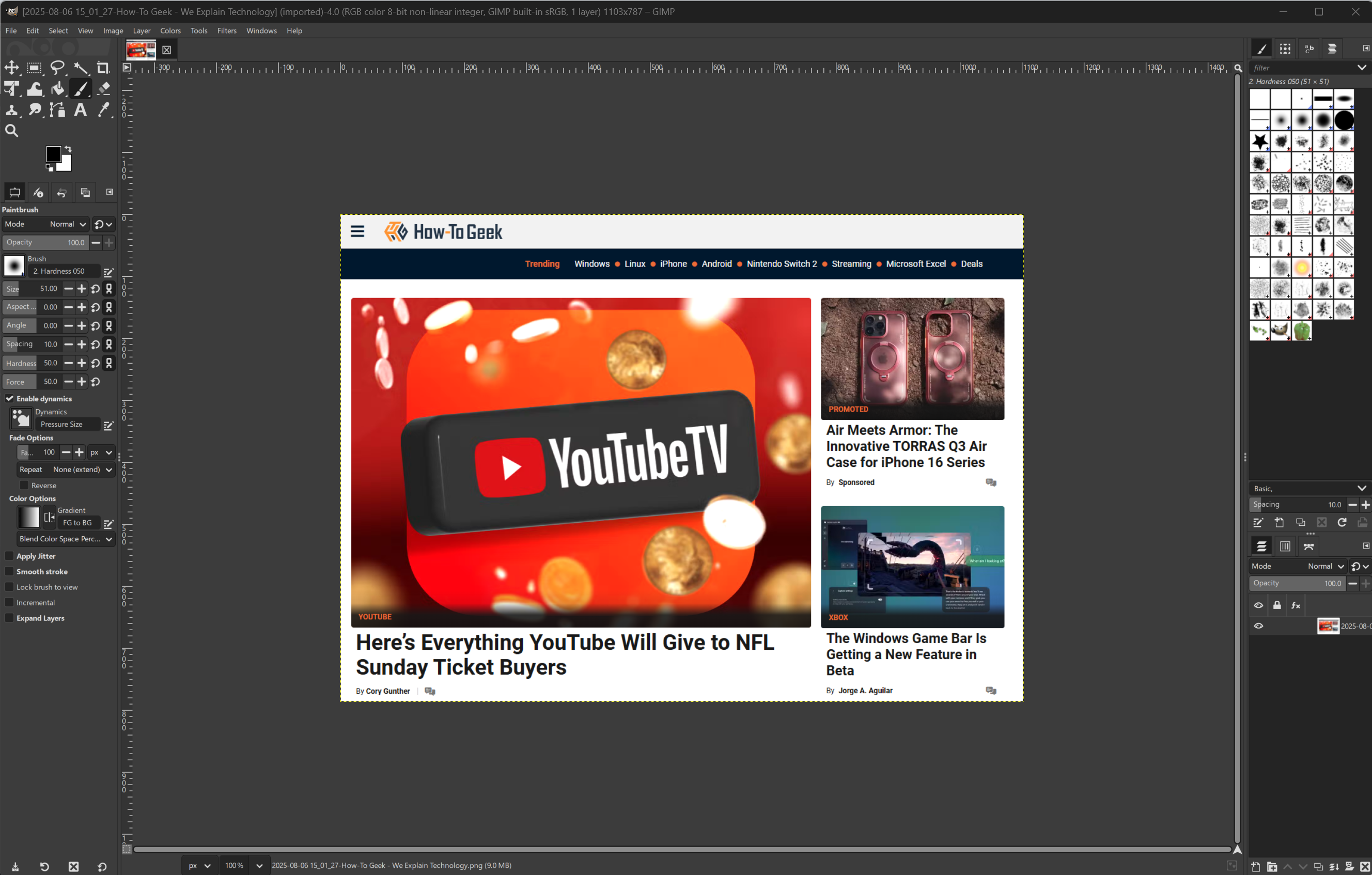
I recently discovered GIMP, and it has quickly become a staple in my toolbox. It's an open-source image editor similar to Photoshop, but with a more straightforward interface and no cost. For someone who regularly does basic image editing, GIMP hits the mark perfectly.
I typically use it for resizing images and cropping screenshots for web use. Occasionally, I also use it for creating graphics for presentations or articles. GIMP supports layers and transparency, along with all the file formats I commonly use. Plus, it can utilize plugins that add features like AI enhancement and task automation. Overall, it's a powerful and flexible tool for creating and editing images.
FileZilla (File Transfers)

I've used FileZilla for what feels like decades, and it's one of those old-school tools I always end up reinstalling, no matter the platform. It's not fancy, but it's reliable, which is exactly what I need when moving files to and from servers. I use the ad-free version, and I recommend others do the same.
I've used it on Windows, Linux, and macOS, and the experience is pretty much the same across all platforms. You get a clean, straightforward interface, drag-and-drop transfers, and support for FTP, FTPS, and SFTP. While its UI could use an update, for day-to-day content work, it's still one of the best file transfer tools out there.
Make sure to decline any unwanted add-ons during installation.
PuTTY (Remote Access)

PuTTY is another tool that's been part of my workflow for as long as I can remember. I started using it back in 2000, and while the interface hasn't changed much since then, that's kind of the point. It doesn't need to. It's fast, lightweight, and just works. I've used it to remotely access servers, troubleshoot issues, and run scripts over SSH more times than I can count.
It's not flashy, and it doesn't try to be. What PuTTY offers is stability and trust. When I need to connect to a remote box quickly and get something done, I don't want any distractions—I just want a reliable and secure connection, and that's what PuTTY delivers. It's stayed in my toolkit for decades because it's earned its place there.
7-Zip (File Compression)
I almost didn't include 7-Zip here, but it deserves a mention. It's always there, waiting to do exactly what I need. As a writer and editor, I deal with a steady stream of assets like briefs, image folders, and large project files. 7-Zip handles them all with ease. It's not flashy, but it's fast, reliable, and never gives me trouble with weird file formats or massive compressed folders.
I've used a bunch of other archive tools over the years, but I keep coming back to 7-Zip because it just works. What sets it apart for me is the clean, straightforward interface and the fact that it's lightweight and free. Unlike some of its competitors that feel bloated or push paid versions, 7-Zip stays focused on doing one thing well. If you work with lots of files or collaborate across teams, it's one of those quiet, essential tools that saves time and always works.
Greenshot (Screenshot Capture)

If you take a lot of screenshots, Greenshot might be for you. It's a lightweight, no-nonsense utility app that I use every day. It's great because, with a couple of clicks of my mouse or keyboard, I can quickly capture a region of the page or the whole window from any of my monitors, and I can save the image in whatever format I prefer. There's no bloat and no friction.
There's no shortage of software out there promising to boost productivity, streamline workflows, or help you do more with less. But these five open-source tools have earned their place in my daily routine because they're dependable, lightweight, and built to do their job well. They've saved me time, kept costs down, and helped me stay focused.
Whether you're a fellow content creator, a knowledge worker, or just someone trying to simplify their digital life, these tools are worth checking out.
Posting Komentar untuk "5 Essential Open-Source Tools I Use Daily"
Please Leave a wise comment, Thank you